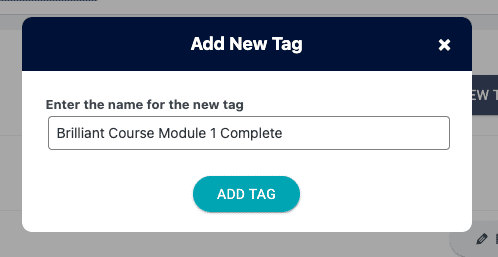
Add new tags to your website quickly and easily with the Member Tags Tab. This tab is located at AccessAlly > Settings > Tags.
ARTICLE CONTENT:
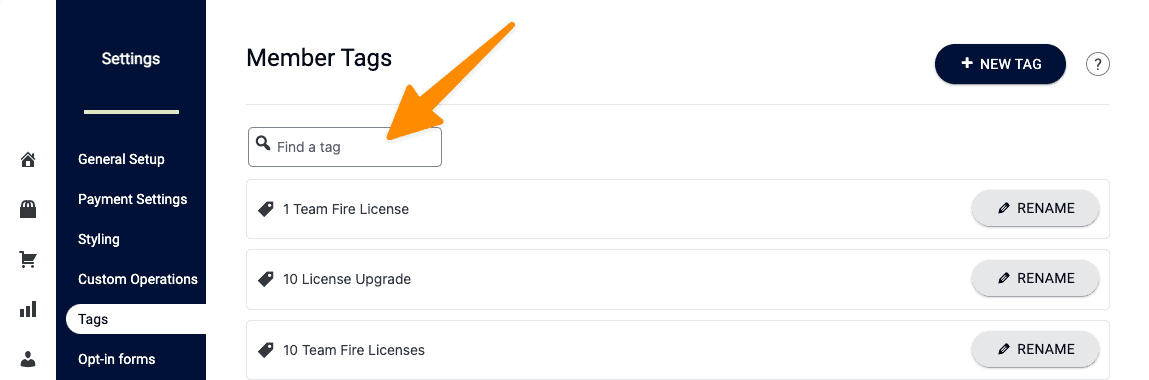
Find Tags
You can search to see what tags have been created on your site.
+ New Tag Button
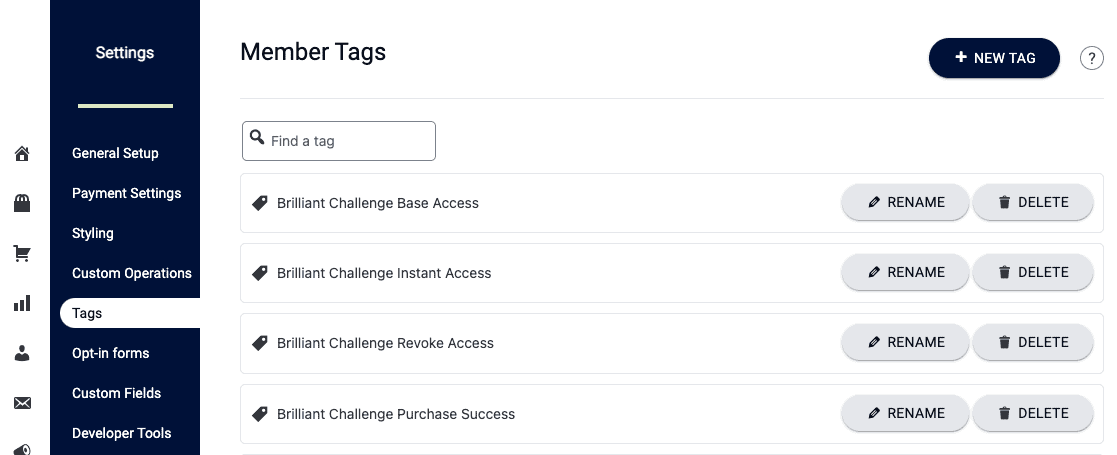
Member Tags Tab AccessAlly Managed Options
Click “+ NEW TAG” to add a new tag. You can also rename existing tags or delete tags.
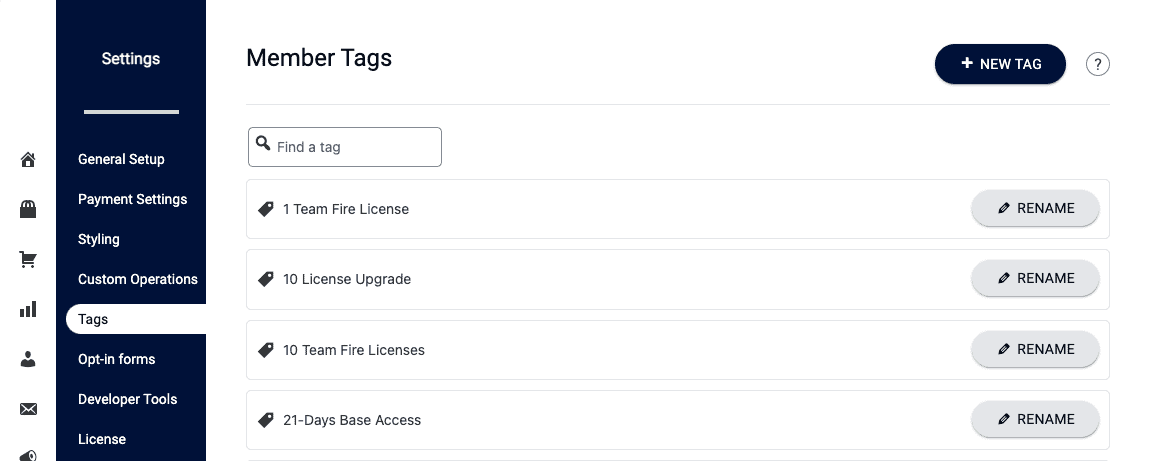
Member Tags Tab With Integrated CRM
Click “+ NEW TAG” to add a new tag. Tags added here will automatically sync to your CRM. You can also rename an existing tag. Deleting tags is done inside your CRM system.
Tag Adder
Type your desired tag in the box and click the ADD TAG button to create your tag.