
In this article, you’ll learn how to add an existing team program to a Team Center Offering.
This feature is available for CRM integrated accounts.
In AccessAlly > Offerings > select “+ADD” and choose the Team Center template.
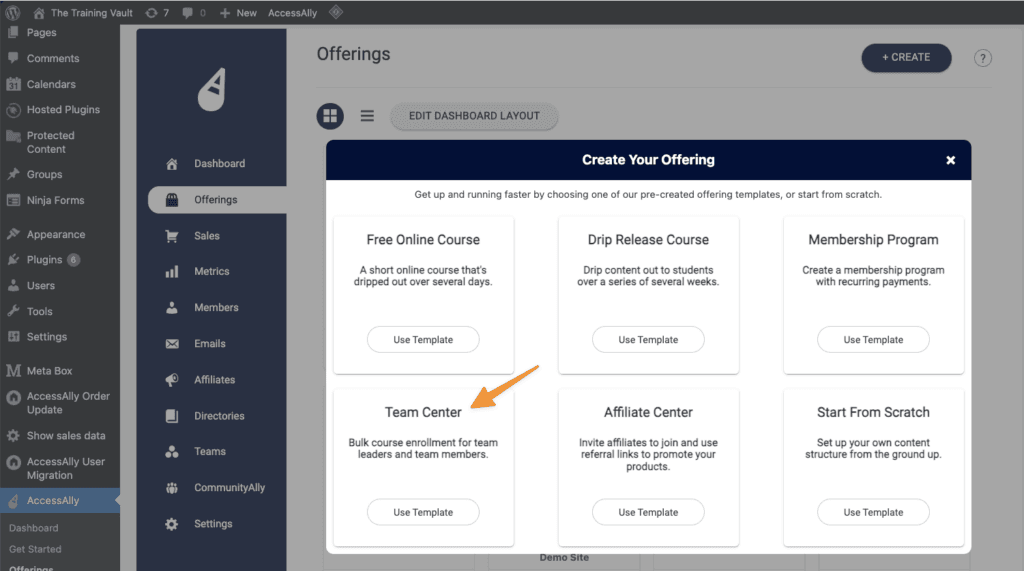
Name your Team Center

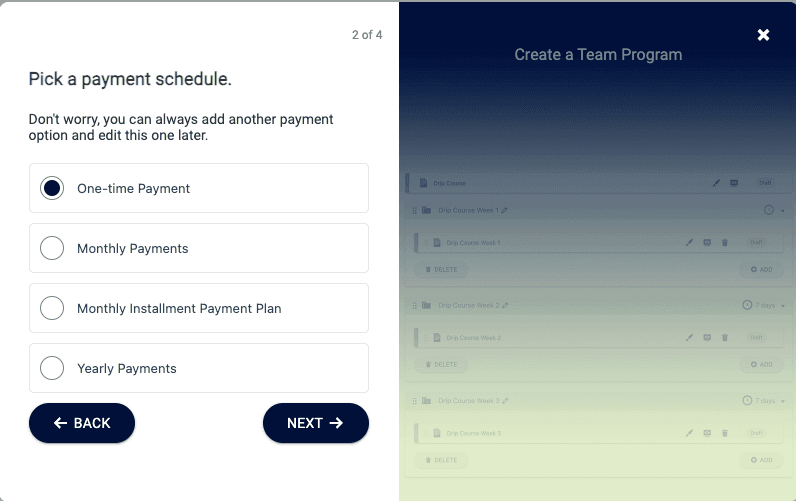
Pick a payment schedule
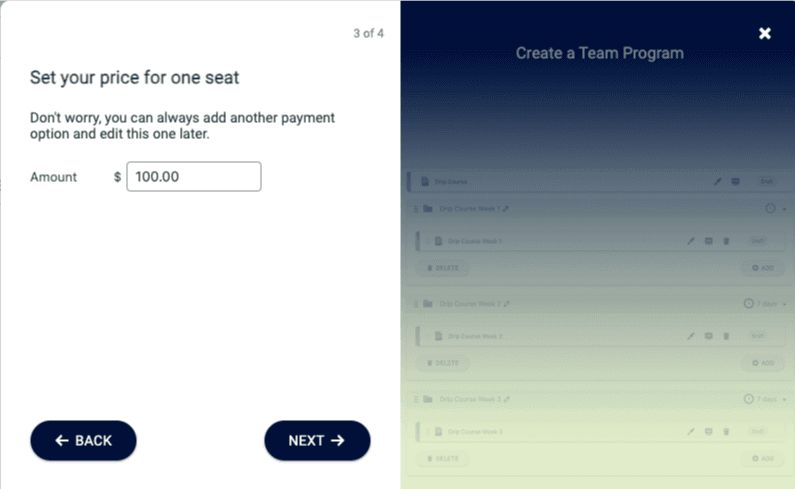
Set your price for one seat
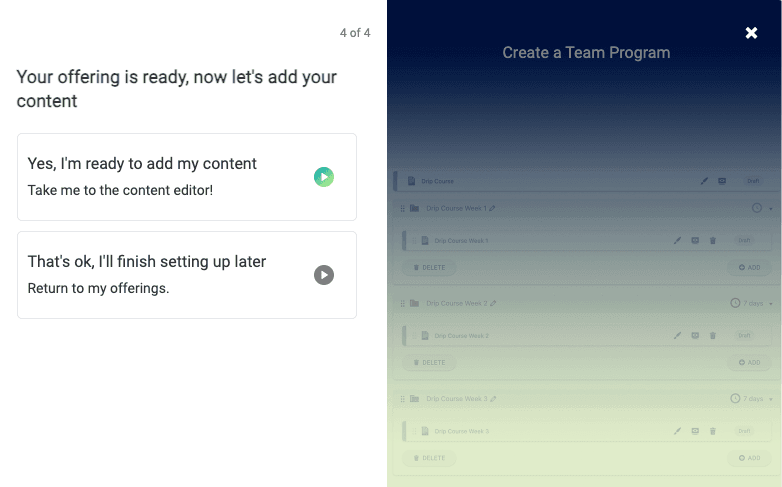
Select yes I’m ready to add my content
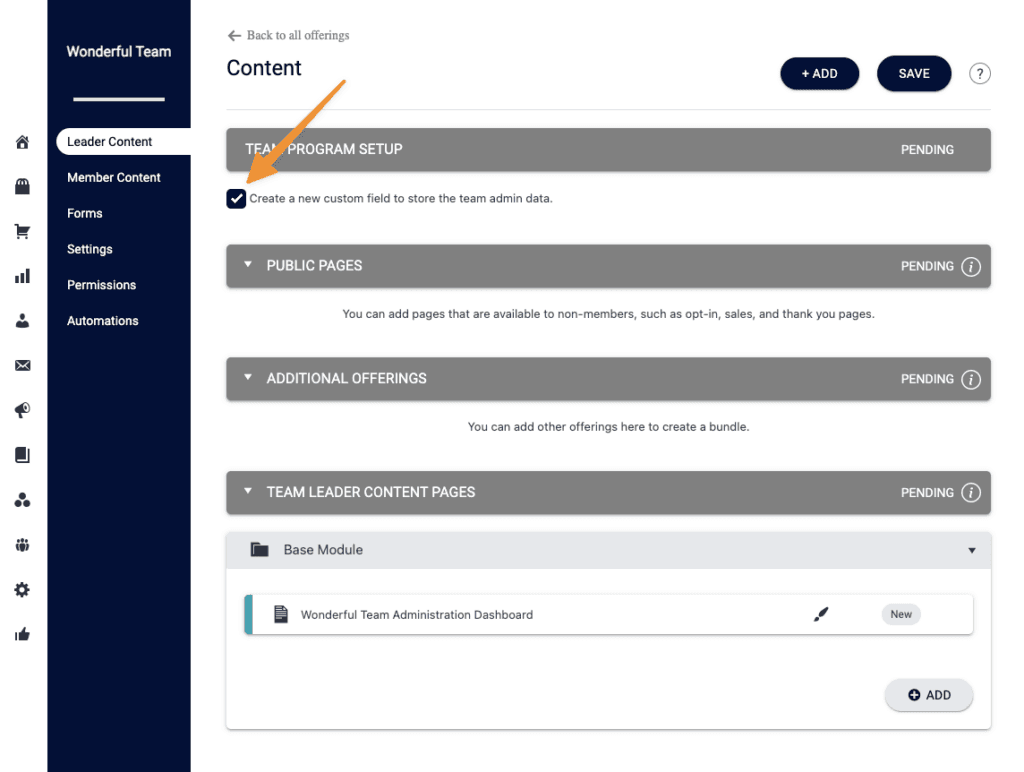
Uncheck the box by “Create a new custom field to store the team admin data.”
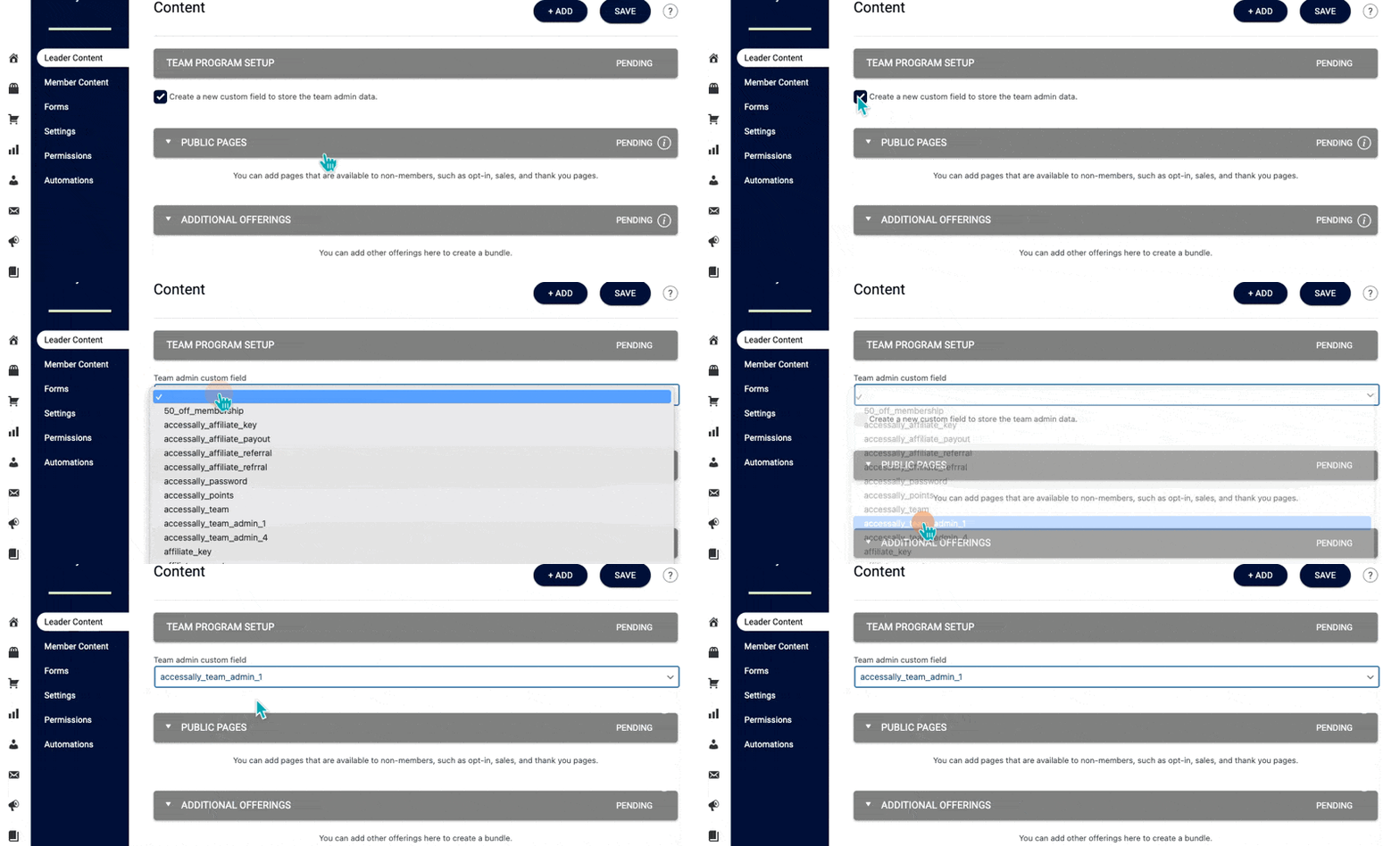
Select an existing team program custom field.
Then, go to the Permissions tab, where you can turn off new tag creation for any tags you would like to use from your existing team program.

If migrating to AccessAlly Managed, from a CRM integration. This can be used before migration to place existing Team Programs into Team Center Offerings.
