
AccessAlly Pro quizzes are fairly straightforward to set up and style. The tutorials on this page show you some additional styling/customization options for the quiz question/choices themselves.
ARTICLE CONTENT:
Changing Appearance of Quiz Questions
Since the quiz question and answer area accepts HTML, you can add additional styling, images – or even embed videos – to customize quiz question appearance. HTML is allowed in both the question and answer section.
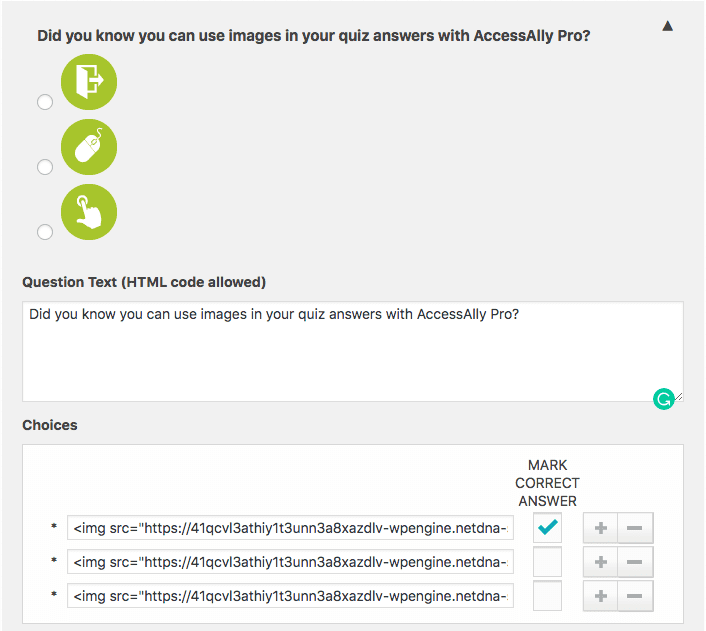
To insert images, simply use HTML code:
<img src="URL of your image"/>
Changing Orientation of Question Choices
In the Quiz options, you’ll see a section titled How to display question choices. Here, you can change the orientation of how your quiz questions appear:
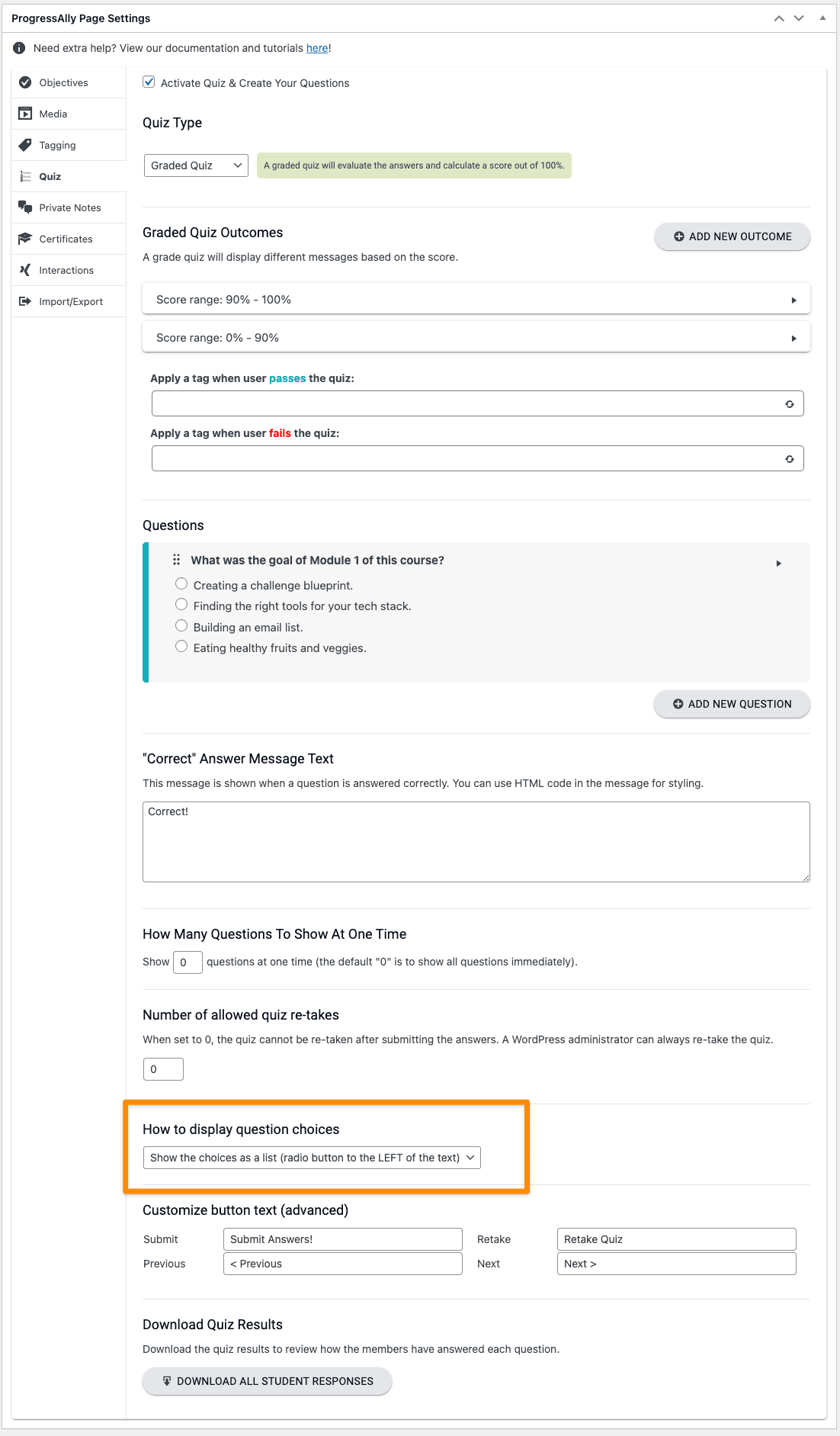
The two options appear as follows:
Show choices as a list

Show all choices in the same row

